Free Image Resizer & Social Media Cropper – Private Online Compression Tool
July 14, 2026
5-minute read

This free, private QR code generator lets you create fully customizable QR codes for websites, digital business cards, WiFi, SMS, and more — all inside your browser. Add logos, adjust colors and shapes, choose error correction levels, bulk generate from CSV, and export in PNG, SVG, JPG, or PDF. No accounts, no server storage, and no data tracking — just secure, professional QR codes ready for print or digital use.

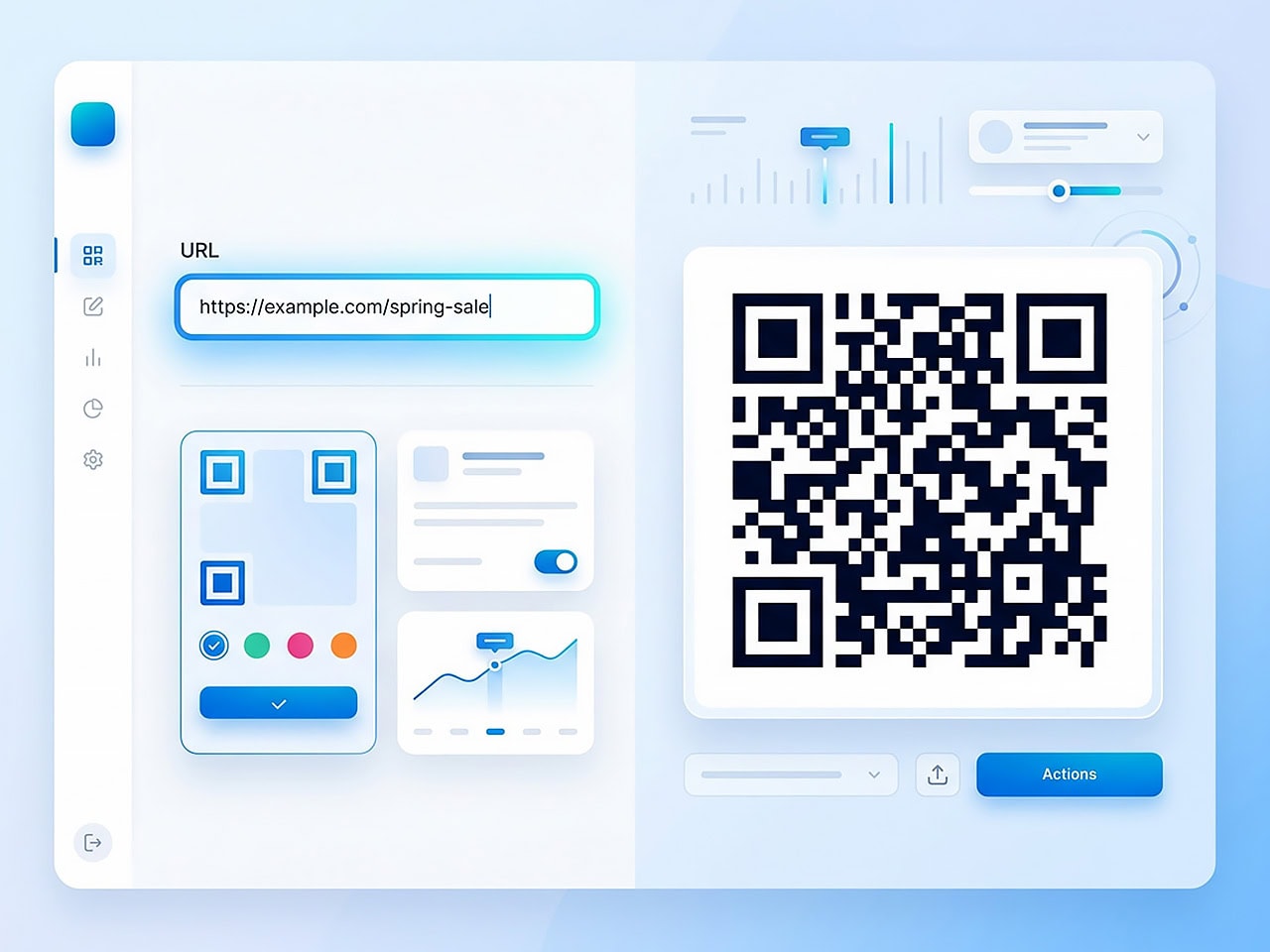
The Legal Communications QR Code Generator is a fully private, browser‑based QR code builder that lets you generate QR codes for websites, contact cards, WiFi credentials, SMS messages, and more.
You can:
All QR creation happens locally in your browser. No QR content is sent to a server.
This QR code builder supports all major QR code types.
| QR Code Type | What It Does |
|---|---|
| URL | Links directly to a website, booking page, or landing page. |
| Text | Encodes plain text messages for instant display when scanned. |
| Pre-fills recipient address, subject line, and message body. | |
| Phone | Creates a click-to-call number using the tel: protocol. |
| SMS | Pre-fills a phone number and optional text message for quick sending. |
| WiFi | Shares SSID, security type, and password for instant network connection. |
| vCard | Generates a full digital contact card that opens directly in a phone’s Contacts app. |
Whether you need a marketing QR code, a digital business card QR code, or a WiFi QR code for an event, this QR builder covers every standard format.
Creating a basic QR code is only the first step. If you need professionally designed, privacy‑first QR codes that work flawlessly in print and digital campaigns, we can help.
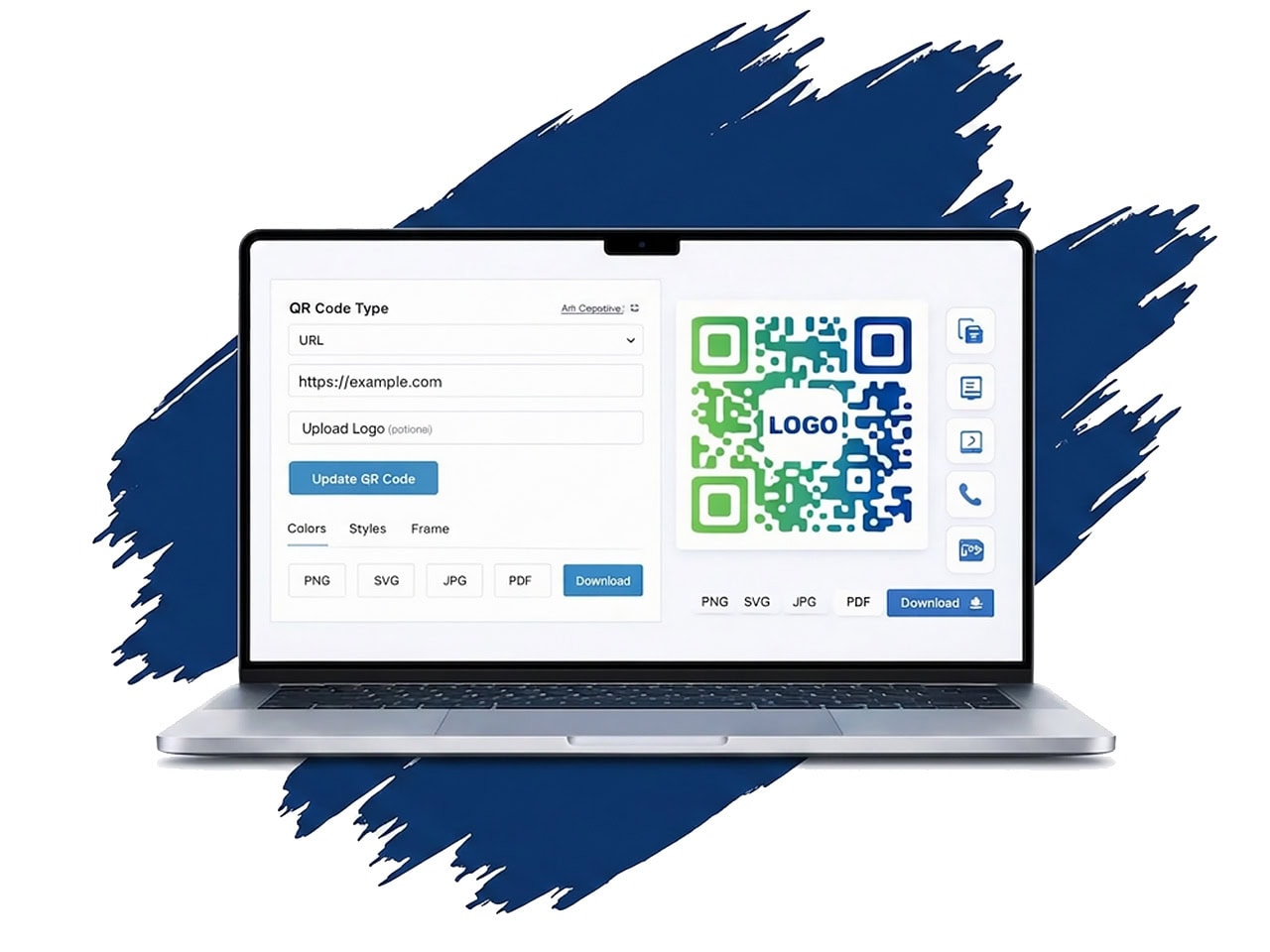
Most free QR tools generate plain black-and-white squares. This QR code generator gives you complete visual customization — without sacrificing scannability.
| Design Option | Customization Details |
|---|---|
| Colors | Set custom foreground and background hex values with built‑in contrast validation for reliable scanning. |
| Module Styles | Choose from Square, Rounded, Dots, Classy, Elegant, or Smooth patterns. |
| Eye (Corner) Shapes | Select Square, Dot, or Rounded corner styles for the QR position markers. |
| Border Radius | Adjust from 0–32px to create sharper or softer design edges. |
| Quiet Zone (Margin) | Set a 0–32px margin around the QR code for proper spacing and scan performance. |
| Frame Styles | Choose from No Frame, Top Banner, Bottom Banner, Rounded Bottom, Circle Badge, Ribbons, Rectangle Border, or Double Border. |
| Custom Frame Text | Add up to 30 characters of customizable text within the frame. |
| Logo Insertion | Upload PNG, JPG, or SVG logos with adjustable size (10–40% of QR width) and built‑in safety protection. |
When you generate QR codes for print or marketing campaigns, reliability matters.
Higher error correction allows your QR code to remain scannable even if partially covered (for example, by a logo).
Choose your redundancy level:
Set raster output size from 128px to 2048px.
The built‑in scanner preview verifies scannability and alerts you if design choices compromise performance.
You’ll see either:
This ensures that your branded QR code still works in real‑world conditions.
Need to generate QR codes in volume? The bulk QR feature allows you to upload a CSV file (up to 500 rows).
CSV format:
The QR code generator creates all codes instantly and downloads them as a ZIP file. This is especially useful for:
When you generate QR codes, format matters. For brochures, posters, or business cards, SVG export ensures perfect sharpness at any size.
Export options include:
Many QR code generators store your links or route traffic through redirect servers. This QR builder does not.
QR codes are generated entirely on the client‑side. No QR image is ever uploaded to a server. The only data collected is minimal analytics:
No account required.
No server processing.
No stored data.
Whether you need to:
Generate QR codes for print marketing
Build a digital business card QR
Create a WiFi QR for events
Produce branded QR codes at scale
Use a secure QR builder without server storage
This private, in‑browser QR code generator gives you full design control and complete data privacy. Start generating your QR code today.
Below is more information about the author (or authors) plus suggested reading for articles related to this topic.