Free Image Resizer & Social Media Cropper – Private Online Compression Tool
July 14, 2026
5-minute read

This professional HTML cleaner and markup sanitizer removes Word formatting, inline styles, hidden code, and security risks from pasted or uploaded content. Sanitize unsafe tags, format headings and lists, compare before‑and‑after results, and export clean, publish‑ready HTML — fast, secure, and structured for modern websites.

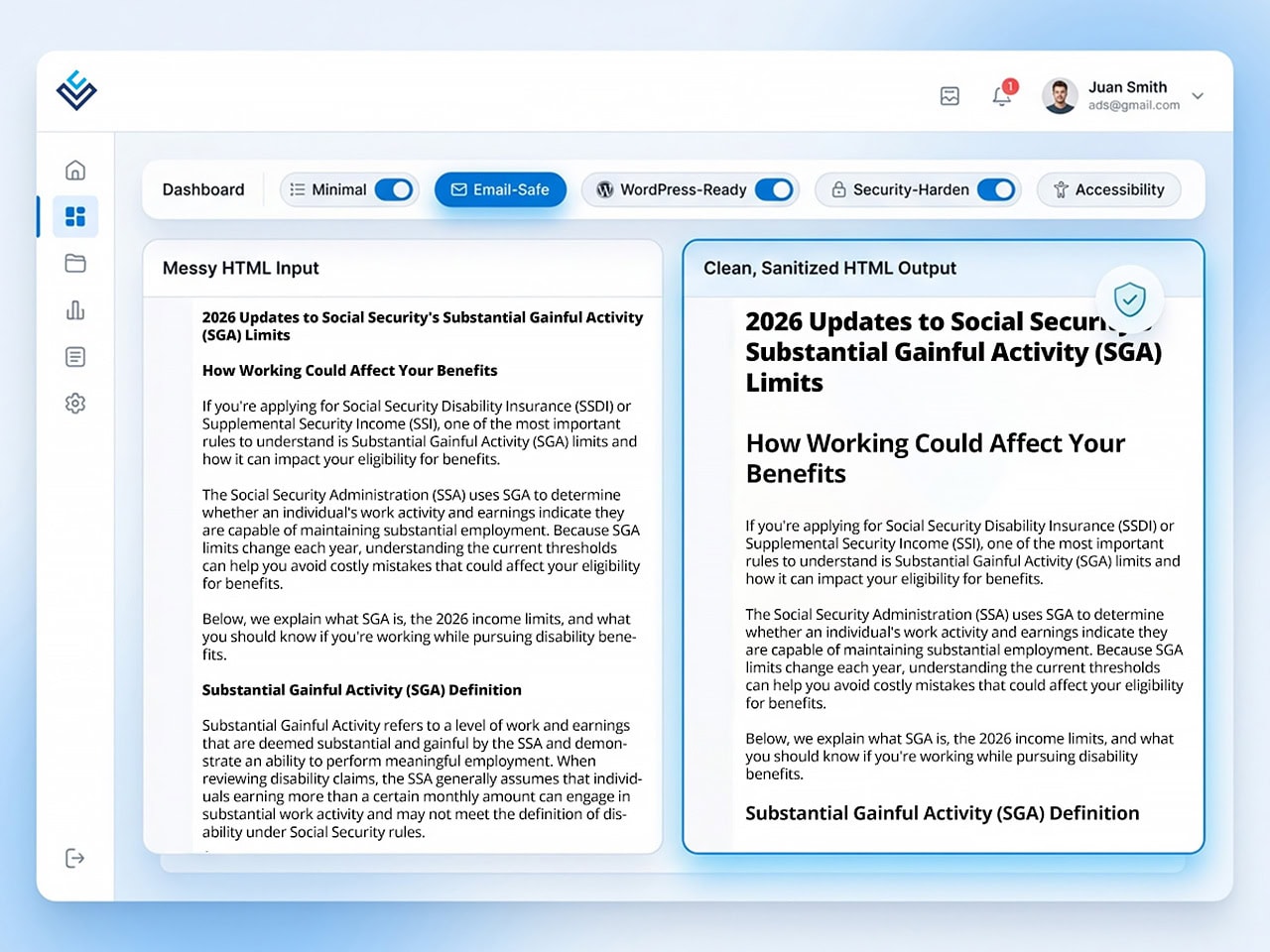
The Legal Communications HTML Cleaner and HTML Sanitizer removes unwanted formatting, hidden code, and security risks from pasted text or uploaded documents. It prepares clean, structured HTML that’s ready for your CMS, website, or email campaign.
You can:
It’s a simple, professional tool for turning messy markup into clean, publishable HTML.
When you copy content from Word, Google Docs, or a WYSIWYG editor, it often includes:
This HTML cleaner removes that clutter while preserving the actual content. The result: clean, lightweight, standards‑friendly HTML.
| Feature | What It Does |
|---|---|
| Input Options | Paste HTML directly or upload .docx, .rtf, .html, or .txt files with automatic file detection. |
| Cleaning Presets | Choose from Minimal, Aggressive, Email-Safe, WordPress, Accessibility, Security-Harden, or fully Custom mode. |
| HTML Sanitizer | Automatically removes scripts, iframes, embeds, forms, event handlers, and dangerous link protocols. |
| Strip to Plain Text | Removes all HTML markup and returns clean, unformatted text only. |
| Automatic Formatting | Detects headings, converts lists, formats FAQs, normalizes quotes, and structures semantic HTML. |
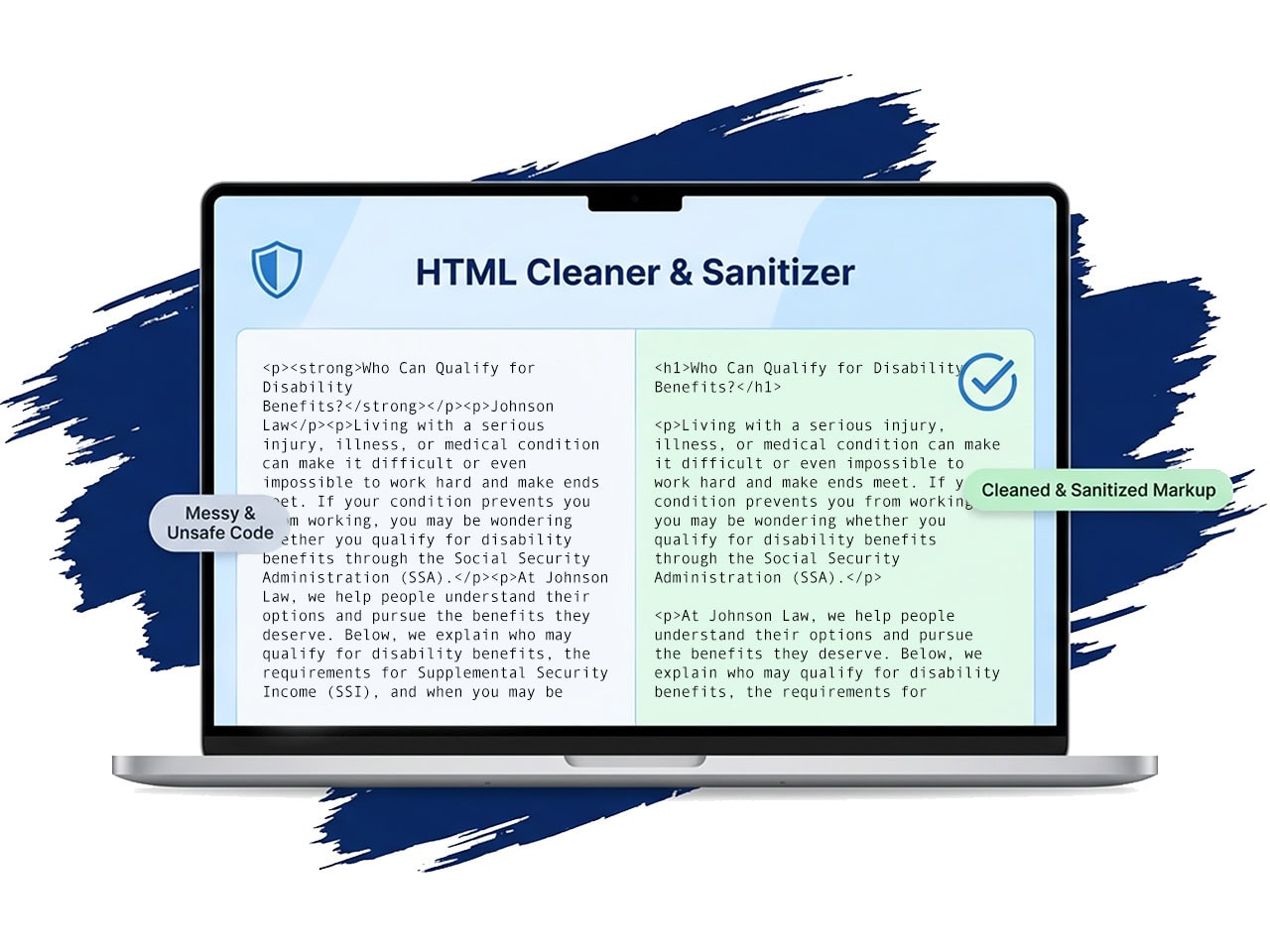
| Before & After Comparison | Side-by-side preview, removal summary, bytes saved, HTML source view, and safe sandbox preview. |
| Export Options | Download pretty-printed HTML, minified HTML, plain text, or copy cleaned markup to clipboard. |
| Privacy & Security | Files processed securely over HTTPS, handled in memory, never stored, and never logged. |
| Built For Professionals | Ideal for publishers, compliance teams, contract managers, and designers migrating legacy content. |
Cleaning messy markup is only the first step. If you want structured, standards‑compliant HTML that’s secure, lightweight, and ready for modern platforms, we can help.
You can use the tool in two ways:
Choose from several presets depending on your goal. If you prefer full control, use Custom Mode to choose exactly what to remove.
| Cleaning Mode | Description |
|---|---|
| Minimal Clean | Removes obvious Word noise and inline styles while preserving structure. |
| Aggressive Clean | Strips styles, classes, IDs, empty tags, spans, and unnecessary markup. |
| Email-Safe | Keeps inline styles (important for email clients) but removes classes and tracking. |
| WordPress Clean | Optimized for blog publishing — removes Word formatting while keeping semantic HTML. |
| Accessibility Mode | Preserves structural elements and necessary IDs for accessibility. |
| Security-Harden | Most aggressive. Keeps only essential attributes (like href, src, alt) and removes anything risky. |
This tool functions as a professional HTML sanitizer. If you need to sanitize third-party HTML before embedding it into your site, this feature ensures the code is safe.
It automatically removes:
Sometimes you don’t want HTML at all. The Strip HTML option removes all markup and returns plain text only.
This is useful when:
Beyond cleaning, this tool also works as an HTML formatter. If you paste in a Word document with inconsistent formatting, the tool can restructure it into clean, semantic HTML. This is especially useful for blog posts, legal articles, and long-form content.
After removing clutter, it can:
You always see exactly what changed before copying or downloading.
To make the process transparent, you can view:
You can also copy the cleaned markup directly to your clipboard.
After cleaning, you can export as:
Because Word documents require parsing, files are processed securely on the server — but never stored.
Only minimal analytics are collected (such as selected preset and file size). Your content itself is never logged.
Whether you need to:
Use an HTML cleaner to remove Word formatting
Run an HTML sanitizer for security
Use an HTML formatter to structure content properly
Strip HTML down to plain text
This tool prepares your content for professional publishing — clean, safe, and ready to use.
Clean your HTML now and publish with confidence.
Below is more information about the author (or authors) plus suggested reading for articles related to this topic.