Free Image Resizer & Social Media Cropper – Private Online Compression Tool
July 14, 2026
5-minute read

Create clean, consistent UTM campaign links in seconds. This free online UTM Builder lets you generate single or bulk URLs, run A/B variants, validate parameters, and export as CSV or JSON — all privately in your browser.

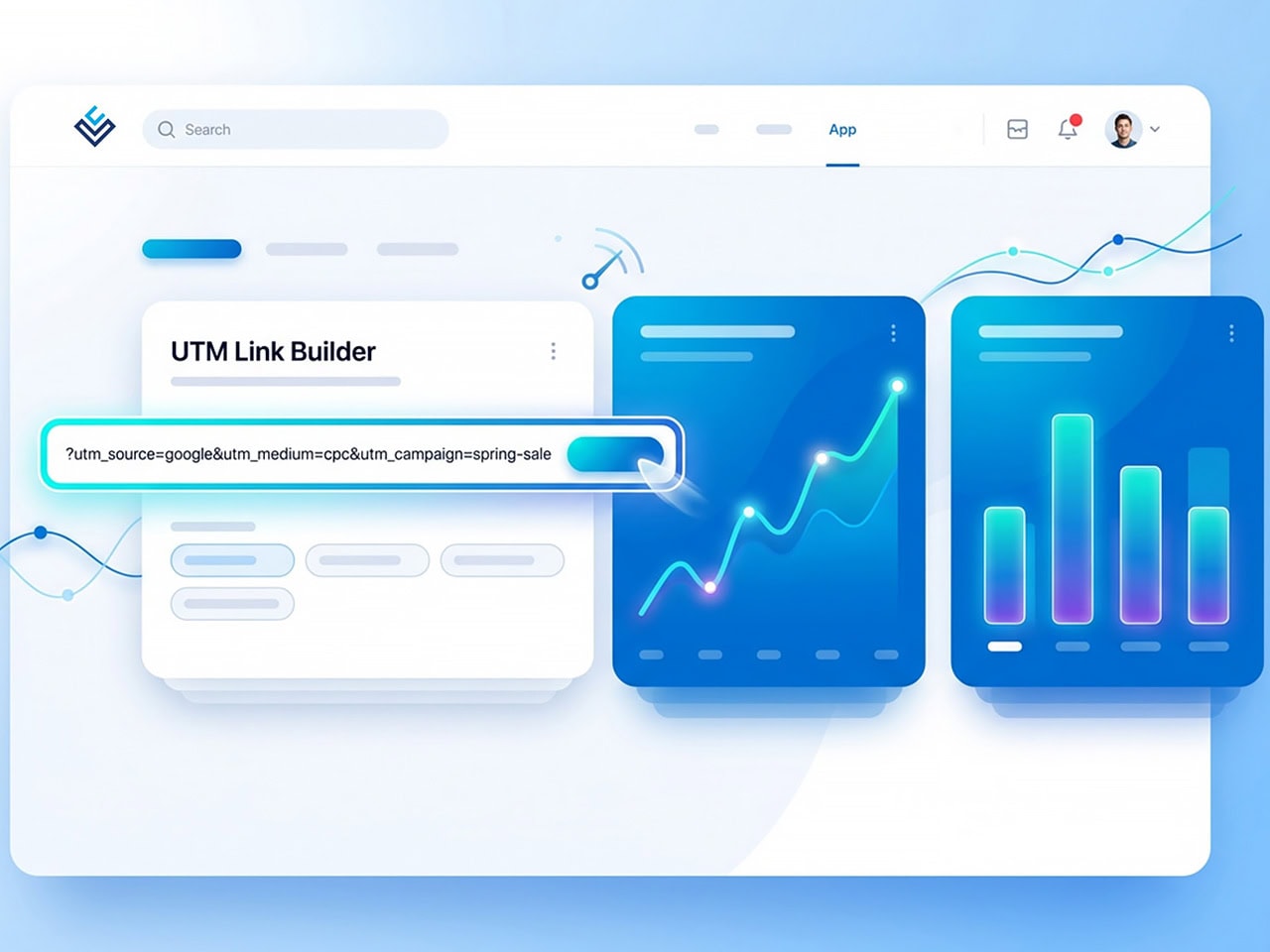
The UTM Builder helps you add tracking parameters to any URL so you can measure performance by channel, campaign, and content variation — without using spreadsheets or manually typing parameters.
You can:
All URL building happens locally in your browser. No links or campaign data are stored.
If you share links in:
You need UTM parameters to understand what’s actually driving traffic and conversions. Without proper tagging, Google Analytics cannot accurately attribute performance.
The Legal Communications UTM Builder ensures every campaign link is consistent, structured, and compliant with GA4 best practices.
Creating clean UTM links is only the first step. If you want a structured campaign strategy, consistent naming conventions, and analytics you can actually trust, we can help.
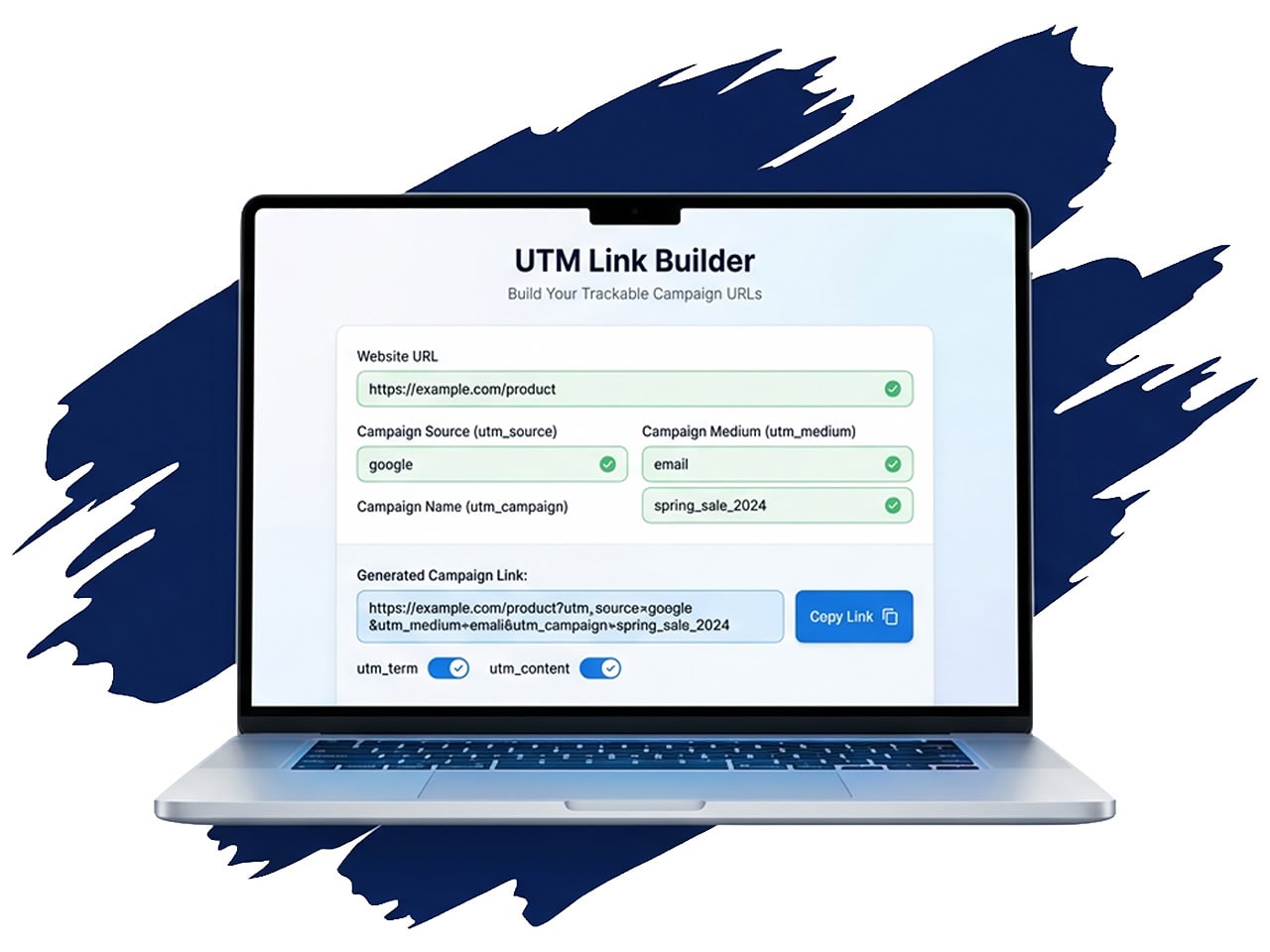
Quickly generate one tagged URL. Perfect for one‑off campaigns or quick link generation.
You can also:
| Field | Required |
|---|---|
| Website URL | Required |
| utm_source | Required |
| utm_medium | Required |
| utm_campaign | Required |
| utm_term | Optional |
| utm_content | Optional |
| utm_id | Optional |
The tool automatically fills recommended utm_source and utm_medium values for each channel. You receive a full set of tagged URLs instantly — ready to paste into ads, posts, or email platforms. No repetitive data entry required.
Enter your landing page and campaign name once. Then select channels such as:
The tool generates all tagged URLs at once (up to 500 rows per batch). Ideal for agencies, newsletters, or large campaigns. Additional features include:
| Field | Required |
|---|---|
| landing_url | Required |
| source | Required |
| medium | Required |
| campaign | Required |
| term | Optional |
| content | Optional |
| id | Optional |
This makes it easy to duplicate and modify campaigns without rebuilding links from scratch.
Already have tagged URLs? Paste them in and the tool will:
This helps prevent common tagging mistakes before links go live.
The builder includes:
Poorly structured UTMs can break attribution. The UTM Builder automatically flags:
%20
This ensures your links follow best practices before deployment.
All links are generated instantly in your browser. After generating links, you can:
Unlike many online tools, this UTM Builder does not send your URLs or campaign data to a server. Only minimal anonymous usage data is collected (mode used, number of URLs generated, timestamp). Your campaign data is never stored.
| Item | Status |
|---|---|
| Landing URLs | Stays in Your Browser |
| Campaign names | Stays in Your Browser |
| UTM parameter values | Stays in Your Browser |
| CSV uploads | Stays in Your Browser |
| A/B variant links | Stays in Your Browser |
| Tagged URLs | Not Stored |
| Campaign metadata | Not Stored |
| Uploaded CSV contents | Not Stored |
| Parameter values | Not Stored |
Whether you need to:
Create a single tagged link
Generate multi‑channel campaign URLs
Run A/B tests with clean UTM structure
Bulk build links from CSV
Remix existing UTM campaigns
This private, browser‑based UTM Builder gives you clean, consistent tracking — without storing your URLs or campaign data. Start building your UTM links now and track performance accurately.
Below is more information about the author (or authors) plus suggested reading for articles related to this topic.